Tech Productivity Tools: Must-Have Guide for Effortless Programming Beginners
When diving into the world of coding, tech productivity tools become essential allies for beginners looking to streamline their learning process and boost efficiency. Programming, while exciting, can sometimes feel overwhelming due to the vast array of concepts, languages, and debugging challenges. Leveraging the right tools can transform this learning curve into a manageable and even enjoyable journey.
In this guide, we’ll explore some must-have tech productivity tools that can help beginners not only write better code but also maintain focus, organize projects, and collaborate effectively.
—
Why Tech Productivity Tools Matter for Programming Beginners
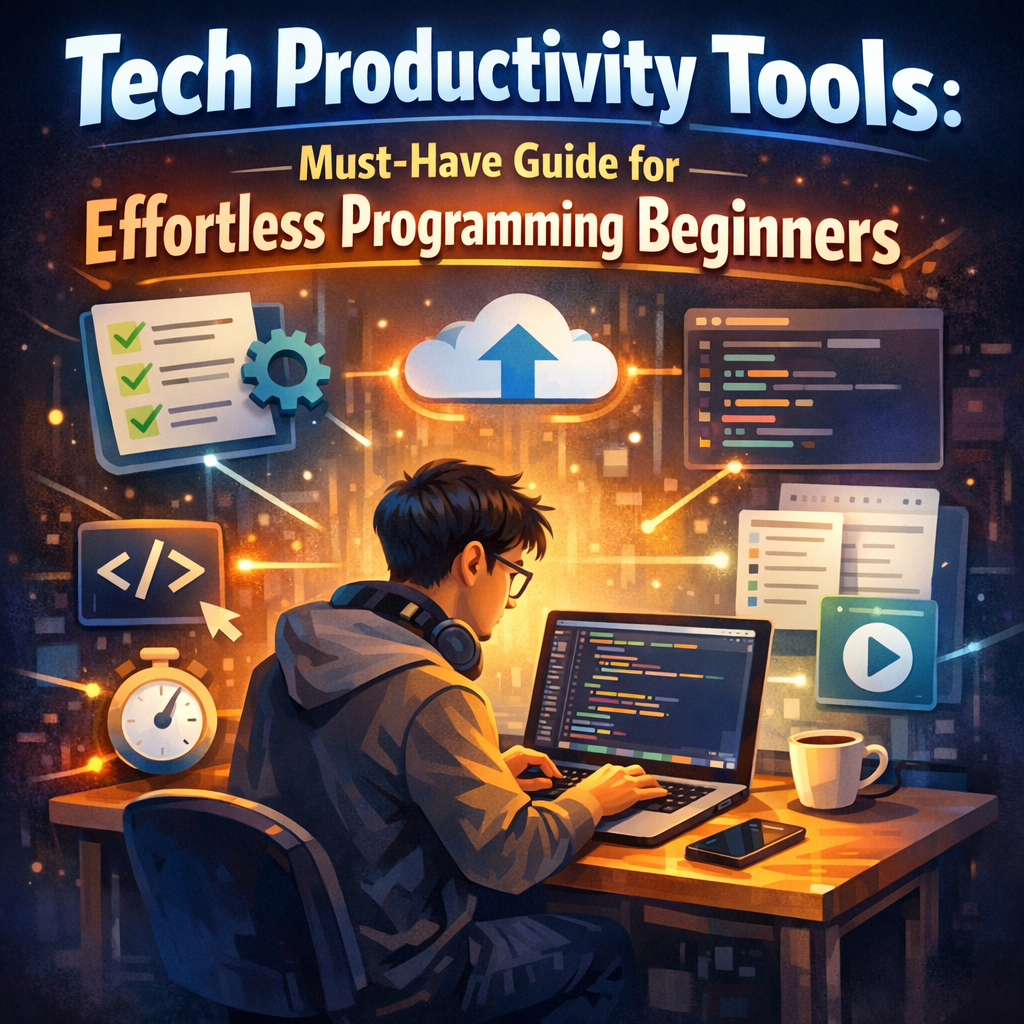
Starting out in programming often means juggling various aspects: writing, testing code, debugging, and learning best practices. Without proper tools, beginners might waste valuable time on mundane tasks or get stuck on issues that could be resolved faster with the right assistance.
Tech productivity tools help by:
– Simplifying code writing and debugging: Autocomplete, syntax highlighting, and inline error detection reduce common mistakes.
– Enhancing organization: Project management apps and note-taking tools keep track of learning resources and code snippets.
– Supporting collaboration: Sharing code and getting feedback becomes easier with cloud-based repositories and communication platforms.
– Reducing distractions: Tools that manage time and block distractions help maintain focus during study or coding sessions.
—
Essential Tech Productivity Tools for Programming Beginners
1. Integrated Development Environments (IDEs)
For anyone learning to program, having an IDE that supports the chosen language is critical. IDEs like Visual Studio Code (VS Code), PyCharm, or Atom offer robust features such as syntax highlighting, code autocompletion, and debugging tools. They also integrate with version control plugins and terminal access, making coding smoother and more efficient.
– Why VS Code? It’s free, lightweight, and extensible with thousands of plugins suited for different languages and frameworks. Beginners love its intuitive interface and vast community support.
2. Version Control Systems
Learning version control early helps avoid headaches later when managing code changes. Git, coupled with platforms like GitHub or GitLab, is the industry standard. These tools enable programmers to track project history, collaborate seamlessly, and revert mistakes effortlessly.
3. Code Snippet Managers
A staple for efficient coding, snippet managers such as SnippetsLab or GitHub Gist allow beginners to save frequently used code fragments. This reduces repetitive typing and helps maintain consistency across projects.
4. Task and Time Management Apps
Programming requires focused effort, and managing time effectively enhances productivity. Apps like Trello, Notion, or Todoist assist in breaking down learning goals or projects into manageable tasks. Additionally, Pomodoro timers like Focus Booster encourage sustained work intervals with breaks, fostering concentration.
5. Debugging and Error Tracking Tools
Debugging can be challenging for beginners. Tools such as Chrome DevTools for web developers or language-specific debuggers integrated in IDEs provide real-time insight into where and why errors occur. Some platforms, like Sentry, can track errors in deployed applications, allowing beginners to learn from real-world situations.
6. Learning and Documentation Resources
Alongside practical tools, having quick access to documentation and tutorials is invaluable. Tools like Dash (for macOS) or DevDocs (web-based) consolidate language references and frameworks documentation in one place, supporting rapid problem solving.
—
How to Integrate Tech Productivity Tools into Your Learning Routine
Simply knowing about these tools isn’t enough—the key is consistent use. Start small by picking one or two tools that align with your current goals. For example:
– Begin with VS Code for writing and testing code.
– Set up a GitHub repository for your projects.
– Use Trello to outline your daily or weekly learning goals.
Gradually, incorporate others as your needs evolve. Exploring extensions and plugins that enhance your IDE or productivity apps can also customize your environment uniquely.
Don’t forget to explore online communities and forums to learn how others use these tools effectively. Platforms like Stack Overflow or Reddit’s r/learnprogramming often share tips and best practices that can save time.
—
Final Thoughts on Tech Productivity Tools for Beginners
In the journey to become proficient in programming, tech productivity tools play a pivotal role for beginners. They reduce friction, improve organization, and foster disciplined learning. The right combination of IDEs, version control, management apps, and debugging utilities creates an environment where beginners can focus on what truly matters: writing great code and solving problems.
As you progress, continuously evaluate which tools serve you best and stay open to experimenting with new ones. This proactive approach ensures your productivity tools grow alongside your programming skills, making the learning experience efficient, enjoyable, and truly effortless.