Video Editing Software: Best Must-Have Tools for Stunning Results
Video editing has become an essential skill in today’s digital era, where content is king and visuals dominate communication. Whether you’re crafting a YouTube vlog, creating a marketing campaign, or simply polishing your holiday footage, choosing the right tools can make all the difference. The right video editing software not only boosts productivity but also transforms raw clips into captivating stories that engage audiences. If you’re diving into video editing or looking to upgrade your toolkit, this guide explores the best must-have video editing software for stunning results.
Why Video Editing Software Matters
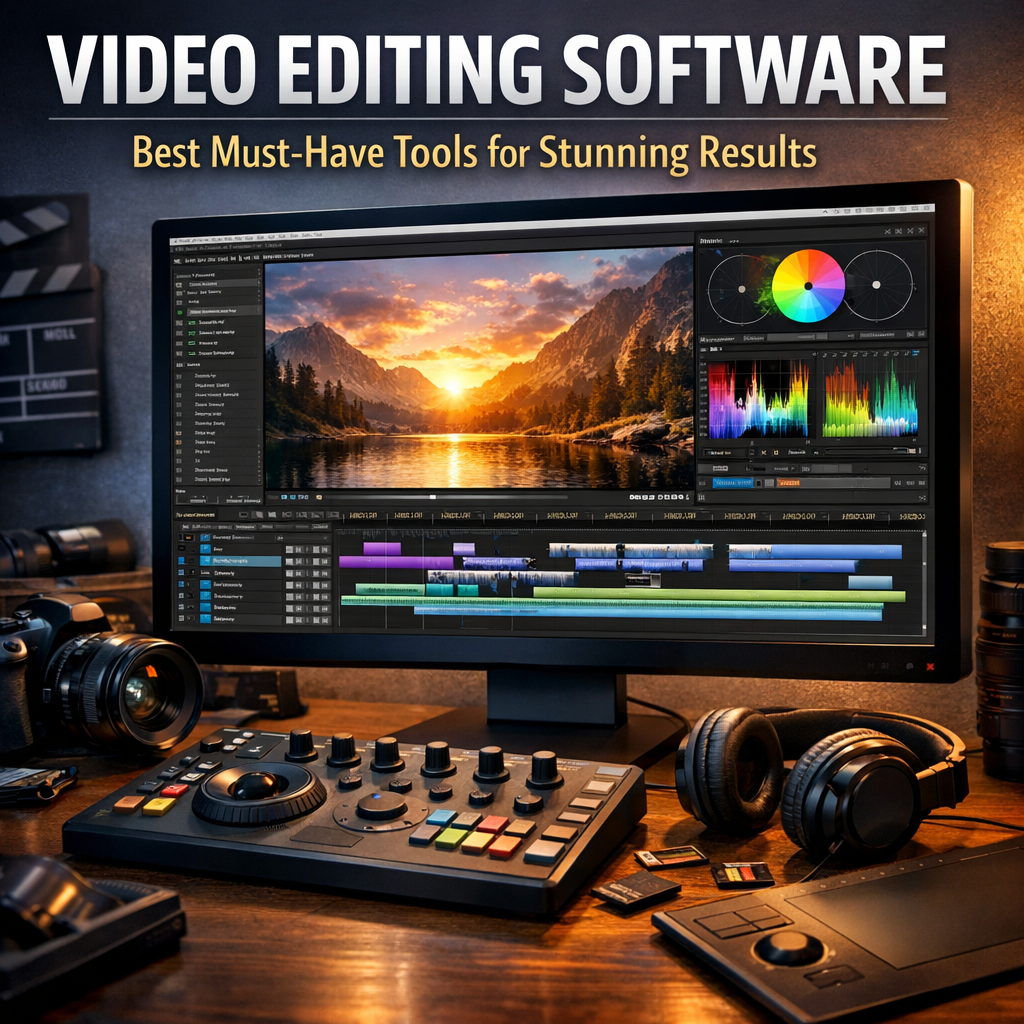
Before diving into specific tools, it’s important to understand why video editing software plays such a pivotal role. Video editing allows creators to trim, arrange, and fine-tune footage to produce seamless narratives. Beyond just cutting clips, software packages offer special effects, color correction, sound mixing, and more—adding layers of professionalism and polish.
Having access to reliable and versatile tools enables you to:
– Enhance visual storytelling by controlling pace and emotion
– Correct lighting and color to match artistic vision
– Integrate audio tracks and sound effects perfectly
– Export videos in formats optimized for different platforms
Now, with advancements bringing more user-friendly interfaces and powerful features, the barrier to entry has lowered. From beginners to professionals, there’s a video editor ideally suited to everyone’s needs.
Best Video Editing Software: Must-Have Tools for Every Creator
1. Adobe Premiere Pro – The Industry Standard
When it comes to professional video editing, Adobe Premiere Pro remains one of the most popular choices worldwide. Featuring a comprehensive suite of editing tools, it supports multi-track editing, advanced color grading, and seamless integration with other Adobe Creative Cloud apps like After Effects and Photoshop.
Premiere Pro excels in adaptability, offering customizable workspaces and a wide range of plugins to extend functionality. Its support for 4K and even 8K videos makes it future-ready for high-resolution projects.
Best for: Professionals and serious hobbyists looking for advanced control and collaborative workflows.
2. Final Cut Pro – Optimal for Mac Users
Final Cut Pro is Apple’s flagship video editing software known for its speed and intuitive design. Designed exclusively for Mac computers, it leverages Apple’s hardware optimization to deliver smooth, fast rendering times even on demanding projects.
This software provides powerful magnetic timeline editing, advanced color grading, and HDR support. Final Cut Pro also boasts an extensive library of effects and transitions that help elevate production value seamlessly.
Best for: Mac users and creatives who want professional power with straightforward usability.
3. DaVinci Resolve – Expert Color Grading and Editing
For users wanting to focus on color correction alongside editing, DaVinci Resolve offers a unique blend of free and paid features that challenge the competition. It’s widely acclaimed for its professional color grading tools used in Hollywood post-production.
Beyond color, DaVinci Resolve includes editing, audio post-production, and visual effects modules — making it an all-in-one solution for serious creators looking to do everything in a single program.
Best for: Colorists and editors who require top-tier color grading and a robust all-around package.
4. HitFilm Express – Great Free Option for Beginners
If you’re new to video editing or working with a limited budget, HitFilm Express is an excellent starting point. This free software offers a professional-grade toolkit that includes compositing and special effects typically found in premium programs.
HitFilm is perfect for creators who want to experiment with green screen effects, 3D models, and more without upfront costs. The interface is beginner-friendly, but still allows growth into more complex edits through add-ons.
Best for: Beginners and hobbyists seeking a free yet powerful editing and VFX tool.
5. iMovie – Simple Yet Effective for Quick Edits
For casual editors and Apple device users, iMovie provides a straightforward platform to create videos quickly. While it doesn’t have the advanced bells and whistles, it’s more than capable of producing clean edits with smooth transitions and easy trimming.
iMovie’s drag-and-drop interface is perfect for students, vloggers, and anyone wanting to edit without steep learning curves.
Best for: Apple users requiring basic editing for personal and social media projects.
Tips for Choosing the Right Video Editing Software
Selecting the best video editing software depends on several factors:
– Skill Level: Beginners should look for user-friendly interfaces with helpful tutorials, while professionals need advanced features and customization.
– Budget: There are excellent free and affordable options, but high-end software often requires investment.
– Project Needs: Consider the type of content you create: cinematic films, short clips, or social media videos—different tools cater better to different goals.
– Hardware Compatibility: Ensure your computer meets the required specs for running the software smoothly.
– Platform: Some software is platform-specific (Windows, Mac), so choose accordingly.
Starting with trial versions is a great way to test which program suits your workflow best.
Conclusion
With the explosion of video content on every platform, mastering video editing using the right software is invaluable. From industry-standard suites like Adobe Premiere Pro to accessible free tools like HitFilm Express, there’s a must-have video editing software for every creator. Understanding what features you need and considering your budget and experience will help you select software capable of delivering truly stunning results.
Embrace the power of video editing today, and watch your stories come alive by transforming raw footage into polished visual masterpieces.